
Hawaii Court Calendar's Two-Week Search
Inside eCourt Kōkua sits the Upcoming Court Hearings feature, the Judiciary's public calendar search. Two paths are offered. A Case ID Search pulls up one known Hawaii matter. A Court/Location Search lists hearings at a Hawaii court you pick. The feature launched in August 2023 as a two-week view. Dates run from the current date forward. They end no more than 14 days out, according to the current Hawaii eCourt Kōkua manual. Keep the window in mind. It is a forward look, not an archive. A case's Events tab may still show past settings.
The Judiciary's 2023 announcement of the Hawaii hearing search describes the statewide feature. It also covers the two search paths.
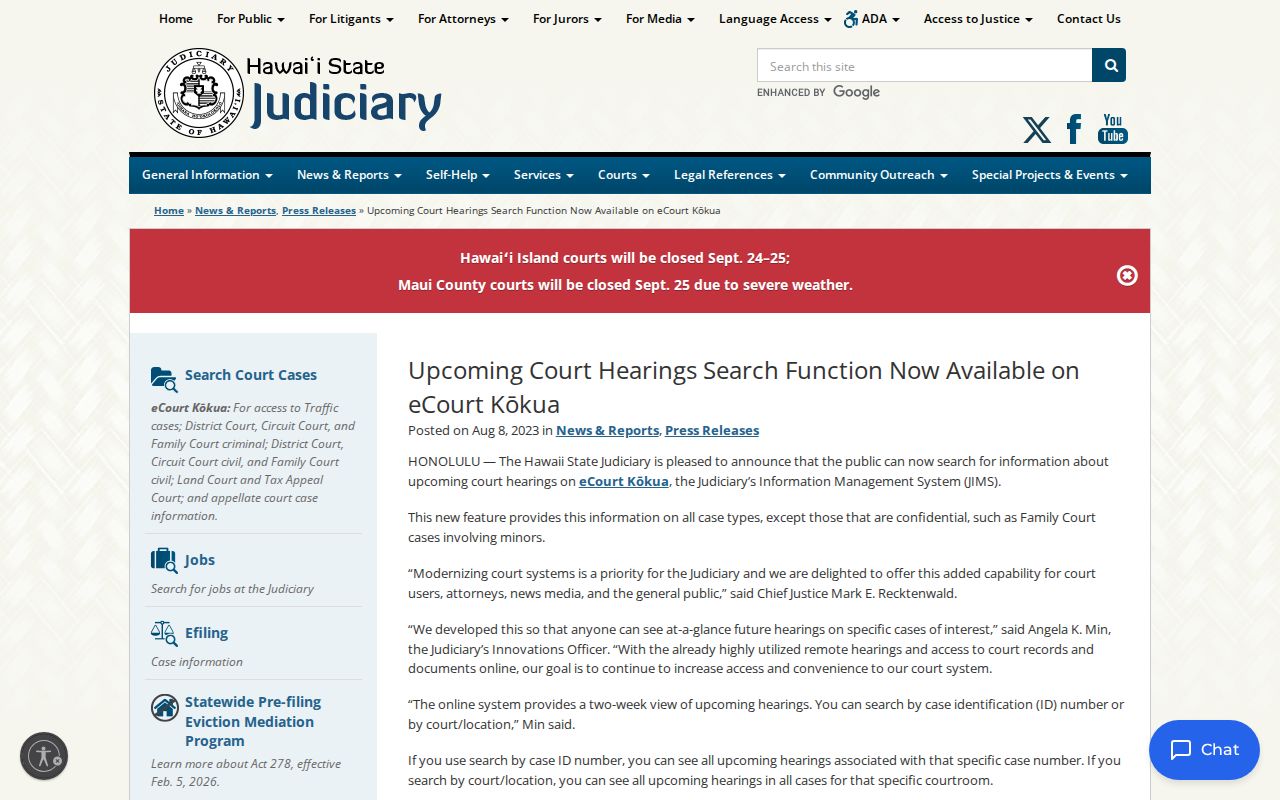
That announcement shows how Hawaii added a public view of upcoming settings to eCourt Kōkua. When online details differ from paper, the filed Hawaii notice or order still controls the setting.
Hawaii Court Calendars
Hawaii's court calendar is a statewide Judiciary service. It is tied to case information held in Hawaii courts. Through eCourt Kōkua, it searches public hearings across the active Hawaii circuits. No county runs its own calendar vendor here. The calendar is handy for spotting a scheduled public event. But it does not replace the case docket or the document that set the date. A future event can change after you search. Restricted Hawaii matters may not appear at all.
This directory lists five Hawaii county destinations. The Judiciary, meanwhile, operates four active numbered judicial circuits. Those county links help you find the right court location. They do not point to separate county case systems. Read the court and location listed in the Hawaii case record. That tells you which branch can confirm a setting.
Note: Hawaii's county roster is a route to Judiciary locations. It is not a map of separate county case calendars.
Hawaii Court Calendar Search Paths
Two search paths narrow a Hawaii hearing search in eCourt. Got one known case? The Case ID path is usually the most direct. For a court's daily list, Court/Location Search can return many matters at once. You may need to filter by courtroom, division, or time. No complete static list of every island, location, room, or division option is published, so pick from the live Judiciary screen rather than guessing a dropdown value.
| Search path | Use it for | Limits to keep in mind |
|---|---|---|
| Case ID Search | Upcoming settings for a case already identified in Hawaii’s court system. | Enter the full current or legacy Hawaii case ID; restricted Hawaii cases do not appear. |
| Court/Location Search | A Hawaii court’s public calendar for a selected location. | Search starts today and looks ahead up to 14 days; live Hawaii location choices depend on selections. |
Both paths draw on data entered in Hawaii's Judiciary Information Management System (JIMS). A search can still miss a hearing. The entry may have come in after your query, or a privacy rule may hide it.
How to Find a Court Date
For a Hawaii case, start at the Judiciary's live eCourt Kōkua portal, then check the source document. If eCourt returns no Hawaii result, the county directory only routes you to the right Judiciary location. It is not a second county calendar.
- Open the official eCourt Kōkua entry page and select Upcoming Court Hearings. Use the Case ID option when the case number is known.
- For a Hawaii court-wide list, choose Court/Location and the live island, location, and courtroom or division fields that fit the case. Keep the Hawaii date range within the 14-day future window.
- Read the case court and location. Use Counties to reach matching Hawaii Judiciary location information; Hawaii does not have a separate county-hosted public docket portal.
- Compare the result with the latest filed Hawaii Notice of Court Date, order, or other notice in the case. Use the Hawaii Judiciary court-location directory to find a phone contact or counter for the branch shown on the record.
- If a same-day room or assignment remains unclear, ask the court clerk or calendar unit and check the courthouse public terminal or daily courtroom calendar where available.
Hours and services vary by Hawaii courthouse. Check the current Hawaii Judiciary contact page before going in person. That matters most for an older case file or a specific calendar desk.
Hawaii Court Calendar Result Terms
The Hawaii manual names the fields in a calendar result. It does not define one universal code set for every hearing event. Treat each label as a pointer to the underlying Hawaii case record, not as a ruling by itself.
- Event
- The scheduled or completed Hawaii court setting shown in the Events tab or hearing search. It is not necessarily a filed document.
- Appearance Disposition
- A result field about the Hawaii appearance status or outcome. The manual does not publish a universal code list here, so check the docket or minute entry.
- Printable View
- A PDF view of the Hawaii hearing result list, not a certified copy of the case record.
- Courtroom/Division
- A narrowing field in Court/Location Search when available; live choices depend on the selected court and location.
For a specific Hawaii setting, read the entry alongside the case number, court, event name, date, and time. The filed notice remains the safest way to confirm what the court ordered.
Note: The public manual does not publish every location or division choice shown in the live Hawaii portal.
Reading a Court Setting
A Hawaii calendar result may show the case ID and title, event name, date, time, and Appearance Disposition. Court and location tell you where the event is assigned. Judge and room are different. Those details may need confirmation from the filed notice or the court branch. Do not assume every field appears in the public result.
| Case ID and title | Identify the Hawaii matter tied to the scheduled event. Check the court and case type before treating a similar name as the right case. |
|---|---|
| Calendar date and time | The listed date and time for the Hawaii event. The search accepts a time filter in 24-hour format; the date range is limited to the next 14 days. |
| Court and location | The Hawaii court and selected location where the setting is listed. Use these fields to route a question to the right branch. |
| Courtroom or division | A possible search filter or courtroom-calendar detail. The manual does not promise that every public result includes it. |
| Event and appearance disposition | The setting type and appearance-related result field. Confirm its meaning from the docket, minutes, notice, or order. |
For Hawaii hearings, use the filed notice for the judge and room if the online result leaves either out. Courtroom and division choices depend on the selected Judiciary location.
Hawaii Court Calendar Date Changes
When the online Hawaii calendar and a paper notice seem to disagree, resolve the date with the Hawaii filed case record. The Judiciary warns that calendar details can change as entries are made. Its launch announcement called the Hawaii information current based on what had been entered. It also warned that the online view is not the official record.
- The latest signed or filed Hawaii court order or Notice of Court Date controls the setting and any changed time or date.
- eCourt Kōkua’s Events tab and Upcoming Court Hearings results show convenient public status from the Hawaii case system.
- A Hawaii daily courtroom calendar, courthouse bulletin, or the local clerk can help confirm a same-day room or location question.
- An eReminder is an extra notice only; it does not replace a filed order or notice.
A Hawaii calendar entry can shift after it first posts. What looked like a firm date may simply be an older setting, since the Hawaii docket updates as the clerk files new instruments. Compare the latest filing against the prior entry before trusting any date.
Note: For a same-day courtroom question in Hawaii, contact the clerk or calendar unit assigned to the case location.
Resets, Continuances, and Cancellations
Hawaii settings move for many reasons. A party may ask for more time. The court may act on its own, or a new scheduling entry may replace the old one. eCourt Kōkua lists events newest first, and docket entries can run in a different date order. Read each later entry beside the earlier one so the timeline makes sense. A reset or continuance postpones an event. It does not mean the Hawaii case was dismissed.
The case detail screen may show both future and concluded events. It may also show an appearance disposition where one exists. That disposition can close a single event while the case itself continues. When the calendar moves, look for a newly filed notice, order, or minute entry. Weigh its date against the next setting. If a cancellation label is unclear, ask the Hawaii court holding the case what became of that event.
eReminders for Hawaii Court Dates
The Hawaii Judiciary runs a free, opt-in eReminders service. It sends notices by text or email for participating Hawaii matters. A reminder can arrive seven days before a hearing. It can also arrive one day before, and again at 6 a.m. on the hearing date. Not every case type is covered. A subscription can also stay active after a case closes until the user cancels it.
An eReminder is a convenience only. It is not official service, and it is not proof of a Hawaii setting. The filed notice and the current Hawaii case record still control. A missing alert does not move a court date. And a reminder can go stale. That happens if the court changes its entry after the message is sent.
Note: Courtroom assignments and daily calendars shift as the Hawaii clerk enters new information. Check again before traveling to court the same day.
What To Do If You Miss a Setting
Missed a Hawaii court date? Start with the newest Hawaii case entries, then contact the court that set the hearing. The public calendar may omit a restricted Hawaii matter or lag behind a fresh filing. So an empty search does not prove no date was ever set. Ask the proper Hawaii branch what was recorded. Ask which notice or order applies to the case.
If You Missed a Hawaii Setting: Read the latest Hawaii filed notice, order, or minutes in the case before relying on an older calendar result.
Call the Hawaii court clerk or calendar unit listed for the case location and ask what the record shows and what step is required next.
Use the Hawaii Judiciary location directory and Counties to route the question. eReminders do not replace a Hawaii court notice.