
How to Search Court Dockets in Hawaii
Every Hawaii court docket search starts at the Judiciary's statewide eCourt Kōkua public case portal. That one portal spans the active circuits and the specialized courts. Use it to pin down the case, the court, and the location. From there it shows public events and docket lines. Remember what it is, though. The portal is a reference index, not the filed record itself, and certified copies come only from the Judiciary branch for the court that heard the matter.
- Open Hawaii Judiciary's eCourt Kōkua entry page and choose the search that fits the information at hand.
- Use a full Hawaii case ID when available. If not, try a party name or Party ID; traffic cases also support a citation, plate, or VIN search.
- Read the result's Hawaii court, location, case type, filing date, and status. Check linked related cases if the matter changed court.
- Open the Hawaii docket or Events view to review filed entries and scheduled settings. A PDF icon marks a document available for online purchase.
- For older Hawaii material, a missing image, or a certified copy, use the Hawaii court and location on the case record and contact that Judiciary records branch through the county directory.
No Hawaii county hosts its own trial docket portal. County links simply steer you to local courthouses and Judiciary information. The circuit and court on the case decide which office holds the record.
Hawaii Case Search Fields in eCourt Kōkua
The Hawaii case-search screen gives you several routes in. A case number is not always on hand. The Hawaii Judiciary's current public manual names the fields. It also warns that dropdown choices shift with the court and search type. Not every live Court Type, Location, or Case Type option appears in print. Pick the values the interface itself shows rather than guessing a circuit or a room.
| Search path | Main fields | Useful limit |
|---|---|---|
| Party | Person or business; name or Party ID; optional partial/phonetic search and filing dates | A name match does not prove identity. |
| Case | Hawaii Case ID or citation; some alternate IDs include application number or arrest number | Alternate identifiers are not used by every case. |
| Filing date | Court Type, Court, optional Location or Room/Division, and date range | The current manual limits the range to 60 days. |
| Vehicle | License plate and state, or VIN; optional date and case-type filters | Vehicle search is for traffic cases, not driver history. |
| Upcoming hearings | Hawaii Case ID or island, court location, date, and optional courtroom/division or time | The calendar looks up to 14 days ahead. |
A Case ID result can display the case ID, court, location, case type, title, filing date, and status. Viewing searches and case metadata costs nothing. Documents are a separate step. A purchase only works where an eligible PDF icon shows. Hawaii's Judiciary refreshed the layout in May 2026 but kept the main search functions. Recheck the current screen.
The Hawaii Statewide Case Search
eCourt Kōkua serves as Hawaii's statewide gateway to public case information. Its coverage runs wide. It spans traffic; District, Circuit, and Family Court civil and criminal matters; Land Court; Tax Appeal Court; the Intermediate Court of Appeals; and the Hawaii Supreme Court. All four active numbered circuits are included. You can search by court, location, island, case ID, party, filing date, or vehicle information. There is no county dropdown. Hawaii's state courts answer to one Judiciary rather than five county court systems. The portal shows where a public case sits. It also tells you which entries or settings have posted. It does not make every attached document free, and it is not the official record. A PDF icon means the file can be bought online. No icon means no image in that view. That does not mean the document never existed. Older files, protected records, or missing images may call for a courthouse terminal or a request to the clerk holding the case. Use the actual court and location from the record. Then follow that route through the county links.
Why a Hawaii Case Search May Miss a Case
A blank Hawaii search result can mean several things. The case may carry a legacy number. The name may sit under a different spelling. Court staff may also not have entered a recent citation yet. Family and juvenile matters, sealed cases, and in-camera entries can be restricted by law or by order. A result may fall outside the public data window. eCourt Kōkua shows no traffic case information before November 1995, no District Court criminal information before August 2012, and no appellate information before September 2010. Document dates work differently from case-index dates in Hawaii. Even when a case result exists, some older District civil, Circuit civil, Land and Tax Appeal, and Family civil documents are not online. The Judiciary allows up to three business days for a filed document to appear. When a case goes missing, check the case ID format. Check the court and case type selected, and whether a restricted category applies. Then ask the proper Hawaii court clerk to search paper or archived records. Paying for a document cannot bypass a seal or an access rule.
Note: An absent online result does not establish that no Hawaii court case exists or that a filed paper record is unavailable.
Which Hawaii Courts Keep Dockets
Hawaii sorts its case types across several courts. Circuit Court serves as the main trial court of general jurisdiction. District Court holds limited jurisdiction, covering lower-level civil and criminal matters plus traffic cases. Family Court operates as a division of Circuit Court. Land Court and Tax Appeal Court handle specialized matters. Appeals go to the Intermediate Court of Appeals or the Hawaii Supreme Court. eCourt Kōkua indexes public information at all these levels. Each Hawaii court keeps the official file for the cases it handled.
| Court | Docket covers | Where to search |
|---|---|---|
| District Court | Traffic, many misdemeanors, small claims, and civil cases generally within its statutory range | eCourt Kōkua; the District Court branch for documents |
| Circuit Court | Felony trials, jury cases, larger civil actions, probate, guardianship, and other general matters | eCourt Kōkua; the circuit's Legal Documents Branch |
| Family Court | Family, juvenile, and related statutory proceedings; access varies by case type | eCourt Kōkua for public cases; Family Court clerk for access questions |
| Land Court and Tax Appeal Court | Statewide land-registration and tax-appeal matters | eCourt Kōkua; the specialized court clerk for copies |
| Intermediate Court of Appeals and Hawaii Supreme Court | State appellate cases, motions, hearings, opinions, and orders | eCourt Kōkua and the Judiciary's appellate records resources |
Start with the court type and location printed on the Hawaii case record. The county name alone will not always name the right clerk.
Hawaii Court Dockets Across Four Circuits
Hawaii runs its state courts through four numbered circuits: First, Second, Third, and Fifth. There is no Fourth Circuit today. That court folded into the Third Circuit back in 1943. So a current Hawaii case ID starts with 1, 2, 3, or 5. The county directory lists five destinations, which can confuse a first-time docket search. A county is a helpful signpost, not a separate clerk system.
Geography explains most of it. The Second Circuit serves Maui, Molokaʻi, and Lānaʻi. The Third covers Hawaiʻi Island with separate Hilo and Kona record locations. Kalawao has its own directory entry. It adds no sixth circuit or public portal of its own. For a Hawaii case lookup, read the circuit prefix first. Then check the court or location field. The county directory can steer you to the right Hawaii Judiciary office. Cases sometimes cross island or county lines, so that two-step habit pays off. The FY 2024-25 Hawaii Judiciary Annual Caseload Report shows how lopsided the workload is. First Circuit District filings dwarf every other circuit's totals. Remember, those figures count filings, not people or current residents.
Note: Hawaii case numbers and Judiciary locations are better routing clues than an assumed one-county-to-one-circuit match.
What a Hawaii Court Docket Shows
Hawaii's Judiciary treats a docket as the running list of what has happened in a case. Filings are included, and court actions too. On the eCourt screen, the record splits into a summary, a parties view, Events, docket entries or minutes, and an Offenses tab for criminal cases. Those tabs let you follow a Hawaii court docket step by step. They do not contain everything. Exhibits, audio recordings, and many legal papers stay off the screen. A document image shows up only when Hawaii's Judiciary sells it online.
| Case ID | A court identifier. A current example is 1CPC-17-0000001; older migrated numbers may lack hyphens. |
|---|---|
| Case and status | Case type, filing date, court, location, last update, and status such as ACTIVE, INACTIVE, or CLOSEDJ. |
| Parties | Names, aliases, party ID, role, and association dates; a same-name result is not identity proof. |
| Events | Future and completed settings, often shown newest first, with an appearance disposition when available. |
| Docket entries | Filed papers and minutes; the entry is a line in the record, not the full filing itself. |
| Offenses or bond | Criminal cases may show an Offenses tab and bail or bond details; civil screens do not use the Offenses tab. |
- ACTIVE
- Action is pending in the court.
- INACTIVE
- The case remains pending but cannot move until an event restores it.
- CLOSEDJ
- Adjudicated by dismissal or judgment; remaining obligations may still exist.
- CLOSEDS
- The judgment is recorded as fully satisfied.
- PDF icon
- An online document purchase is available; its absence does not prove no paper record exists.
Hawaii's docket codes need context before you rely on them. The published AP, FTA, and disposition abbreviations describe Hawaii traffic information, not every civil, criminal, family, or appellate record. When the legal effect truly matters, read the filed order or the minute entry itself. If a status label and a document seem to disagree, ask the clerk.
Hawaii Docket Lines and Filed Papers
A docket line is a pointer, not the paper. It tells you an event or filing happened in a Hawaii case, but it is not the complaint, order, judgment, or minute sheet itself. That gap matters whenever the exact wording of a ruling controls. eCourt Kōkua works well as a public index, and a PDF icon can lead to a purchased file-stamped document. No image on screen? The courthouse may still hold the paper, a microfilm copy, or a record stored offsite.
A search result gives you the case ID, court, location, parties, status, and public event information. The docket line names the filing or action; the actual paper supplies its full text. Buy the PDF through eCourt when one is offered. Otherwise, try a courthouse terminal or a record request, since Hawaii's Judiciary also accepts written requests through its forms and circuit contacts.
Before calling a Hawaii court office, gather the case number, the filing date, and the document title. Those three details help staff find the right page fast. Certified copies come from the Hawaii clerk that holds the case, never from the public search portal or a county office. For current forms and contact routes, use the Hawaii Judiciary record-request page.
Note: Hawaii's statewide case result, docket entry, filed paper, and certified copy are separate Hawaii record products with different access routes.
Public Access to Hawaii Court Dockets
Access to Hawaii court records rests mainly on the Hawaiʻi Court Records Rules (HCRR). Statutes and orders tied to the specific case apply too. The public gets broad access, but not unlimited access. A docket entry you can see may point to a sealed or confidential filing. Its contents stay restricted. The Uniform Information Practices Act (UIPA), HRS chapter 92F, governs many government records. Yet its definition leaves out Hawaii courts' nonadministrative functions. So a UIPA request to an agency will not replace a Hawaii court-record request.
Rules That Shape Access
HCRR Rules 4, 5, and 10 define court records, access limits, and the process for inspection or copies.
UIPA, HRS chapter 92F covers public access to many agency records; HRS §92F-3 excludes nonadministrative court functions.
HRS §571-84 protects information in juvenile proceedings and records.
The HCRR also puts responsibility for personal identifiers on the people who file. Hawaii's eCourt view masks designated fields automatically. Do not assume that every sensitive detail in a filed paper has been removed. Family and juvenile matters, adoption, sealed records, and in-camera material each carry their own access limits. A clerk at the Hawaii court holding the case can explain the procedure. A request alone never turns restricted contents public, though.
Hawaii Docket History from TRAVIS to eCourt
Hawaii's search tools have changed hands several times. TRAVIS, the Judiciary's old traffic case system, ran through October 28, 2005. Its traffic cases from 1995 to 2005 were moved into JIMS. Some still carry older event or disposition codes. HoʻoHiki once handled certain Circuit and Family Court matters. eCourt Kōkua took over from CourtConnect in 2010. It later expanded into traffic, District criminal, and appellate cases. HoʻoHiki was retired in April 2022. More case types had shifted into JIMS and the statewide filing system.
Each current name does a different job. JIMS holds the case-management data. JEFS is the electronic filing and service channel for registered users and covered cases. eCourt Kōkua is the public face of it all, handling searches, hearing listings, and document purchases. Knowing that history helps when an old Hawaii case number or code looks odd. But a retired system is not a search tool you can still use. Stick with the current Judiciary link. The public interface was refreshed in May 2026. Its core case-search functions stayed the same.
Note: A legacy system label in a Hawaii traffic docket can describe migrated data rather than a separate current court record.
Hawaii Court Calendar: The 14-Day Window
The Upcoming Court Hearings search sits inside eCourt Kōkua. You can search by Case ID or by court and location. The window starts today and runs no more than 14 days ahead. Results may include the Hawaii case ID, title, event, date, time, and appearance disposition. For one matter, a Case ID search is usually the quicker route. A court-location search pulls a longer list that may need a courtroom or time filter.
A calendar result is not a filed notice. If a setting changes, the signed or filed order controls. The Events tab, courthouse calendar, clerk, or coordinator can settle a same-day room question. Hawaii offers opt-in eReminders for some case types. They supplement court orders rather than replace them. When a hearing fails to appear, check the date window. Check the selected location, recent entry timing, and whether the case is confidential too. An empty calendar is not proof that no Hawaii hearing exists.
The Judiciary launched the two-week hearing search in August 2023. It made future settings easier to locate statewide. It did not make every hearing public, and it did not lengthen the window. For dates beyond the range, open the case's Events tab. You can also contact the proper court office using the court and location on the Hawaii case record.
Hawaii State and Federal Case Search
A Hawaii state case lives in eCourt Kōkua. A federal case in the same geographic area runs on a separate federal docket system. So the state portal will not return it. The U.S. District Court for the District of Hawaiʻi is the federal trial court. Its case system sits apart from state docket search. Federal appeals ordinarily go to the Ninth Circuit. The county directory can point you to a Hawaii Judiciary branch. But it is not a route into a federal case file.
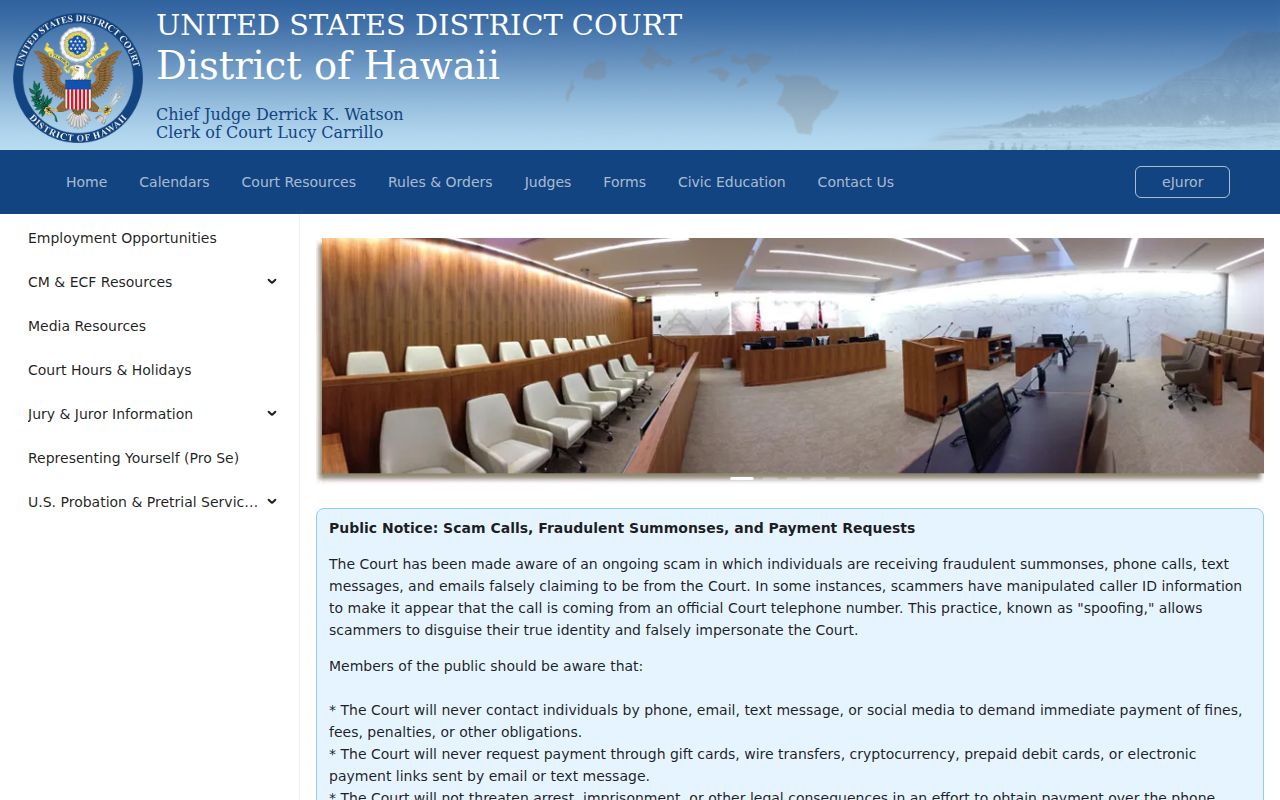
The federal court maintains its own system. Hawaii state docket questions still belong with the Hawaii Judiciary.
For federal cases, the locator is PACER Case Locator, the official nationwide search. It can point you to the assigned court's case system. PACER carries its own account and fee rules. CourtListener/RECAP sometimes offers free copies of opinions or papers. Still, a gap there does not mean a filing never happened.
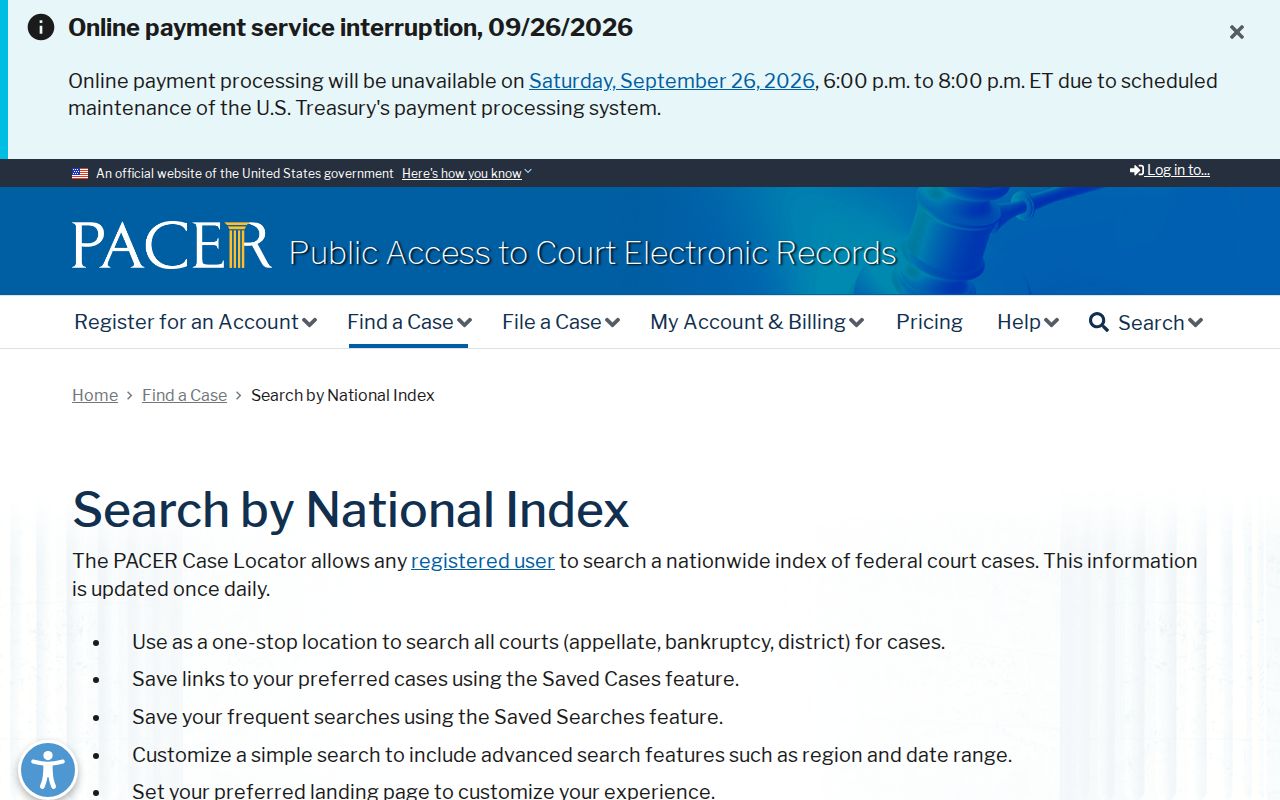
A Hawaii federal case may carry its own number, judge, calendar, and docket entries. Confirm the federal court name before requesting a record or relying on a date.
Hawaii Court Record Copies and Fees
Searching Hawaii's public cases and docket metadata is free. Copies and clerk services can still cost money. The current Hawaii eCourt manual lists the online document charges. A separate First Circuit fee schedule lists paper-copy, certification, retrieval, and audio rates. Those First Circuit figures give a Hawaii-specific reference. They are not a promise that every branch uses the same form or process. Ask the Hawaii court holding the record about the current fee and payment method.
| Service | Published amount | Scope |
|---|---|---|
| eCourt document, up to 30 pages | $3 per document | Current 2026 public manual; online purchases are non-refundable. |
| eCourt document over 30 pages | $0.10 per page, or $3, whichever is greater | Where a PDF icon is available. |
| Electronic certification | $2 per document in addition to the document charge | Current manual. |
| Paper copy | $1 first page; $0.50 each added page | First Circuit schedule. |
| Certification or exemplification | $2 or $4 per document | First Circuit schedule; identify the requested copy type. |
| Public terminal review | No charge listed for viewing | Copying, staff search, retrieval, rush, and media services may cost extra. |
For a Hawaii request, give the circuit or court, the case number, a party name, and the document title or filing date if known. Each branch publishes its own forms and service routes, and older paper or microfilm records may take longer. The statewide Judiciary record-request directory links to current contacts and forms.
Note: Copy totals in Hawaii can vary by circuit and request type; check the current Judiciary schedule before sending payment.
Find Court Dockets by County in Hawaii
County links open the door to Hawaii Judiciary location and record information. That material fits a local case. They are not five separate court systems. The county name can narrow your starting point. The real guide for a Hawaii request is the case's circuit, court division, and courthouse. The five destinations cover the four ordinary county governments plus Kalawao's special directory entry.
Honolulu County
Honolulu · The state's largest population center and the First Circuit's largest filing network.
Hawaii County
Hilo · Third Circuit records may be held in Hilo or Kona.
Maui County
Wailuku · Second Circuit records also serve Molokaʻi and Lānaʻi.
Kauaʻi County
Līhuʻe · Fifth Circuit record requests vary by court type.
Kalawao County
Kalaupapa Settlement · A special county destination with no conventional county seat or separate court portal.
Browse the full directory of all 5 Hawaii counties to open a local court docket destination and continue on to the Hawaii Judiciary office that holds the record.